
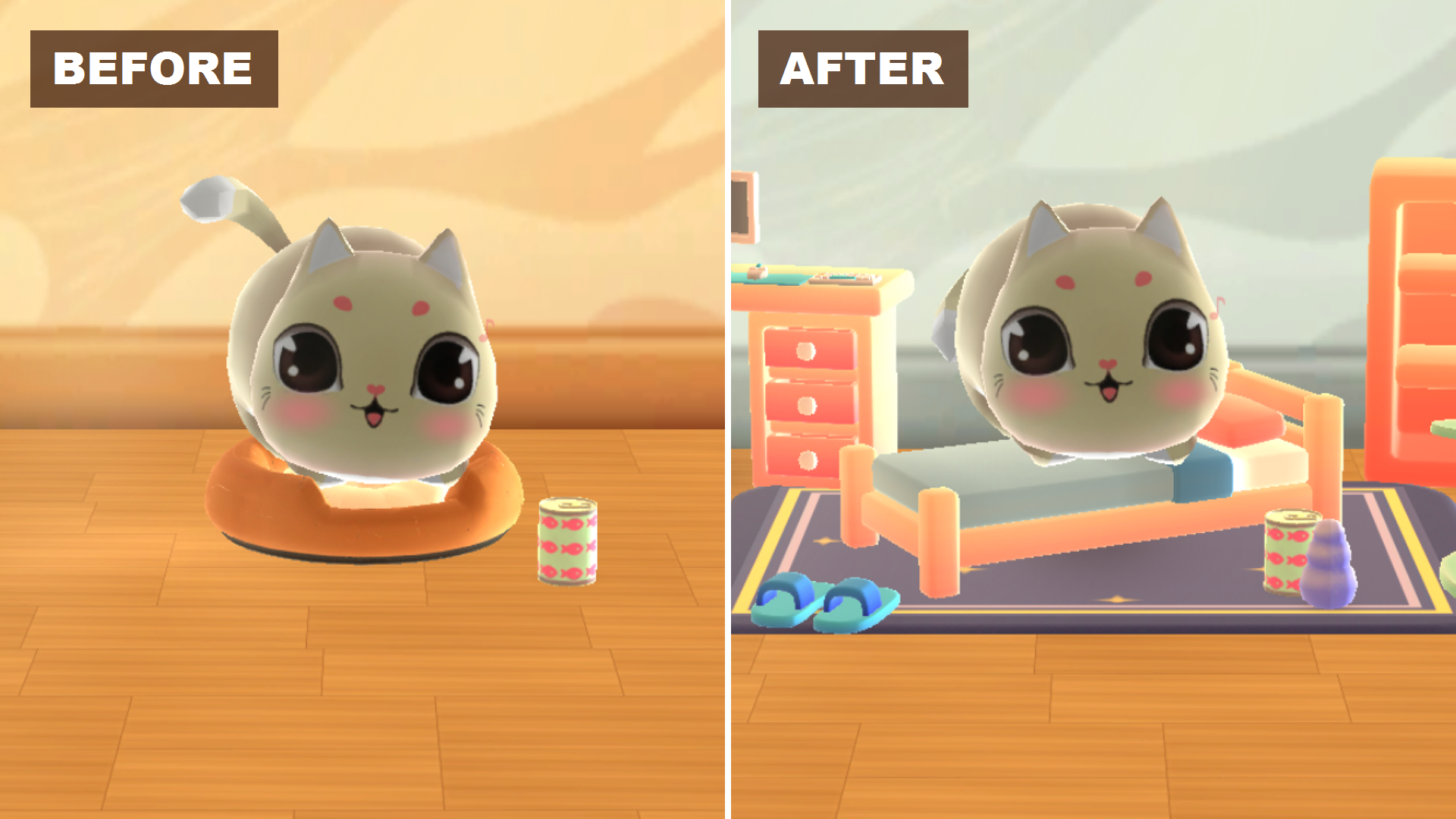
Kitty in the Box 2.1.2 adds room customization to My Cats on iOS, Android and Amazon Fire. Starting with a single donut bed, you can arrange furniture anywhere in the room, change the wallpaper and set small items on tables and shelves while your cat settles in.
Before and after
How Edit Room works
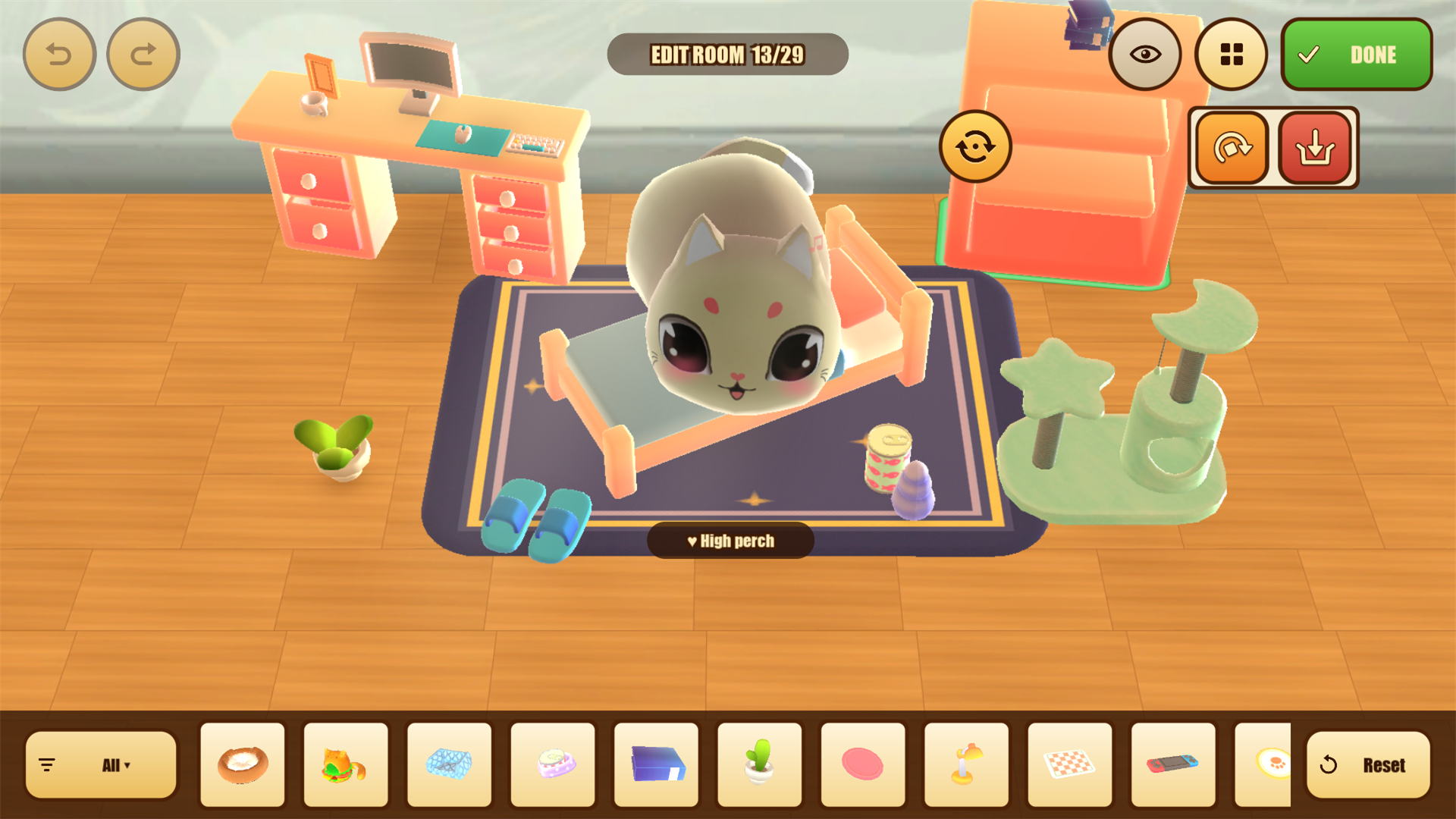
- Open My Cats from the title screen and tap Edit Room.
- Pick furniture, rugs, beds or wallpaper from the tray, then drag pieces across the floor or tap rotate to turn them.
- Set tabletop items like the retro monitor, mug, game console or book stack onto desks, side tables and shelves, then tap Done.
Leave a Reply